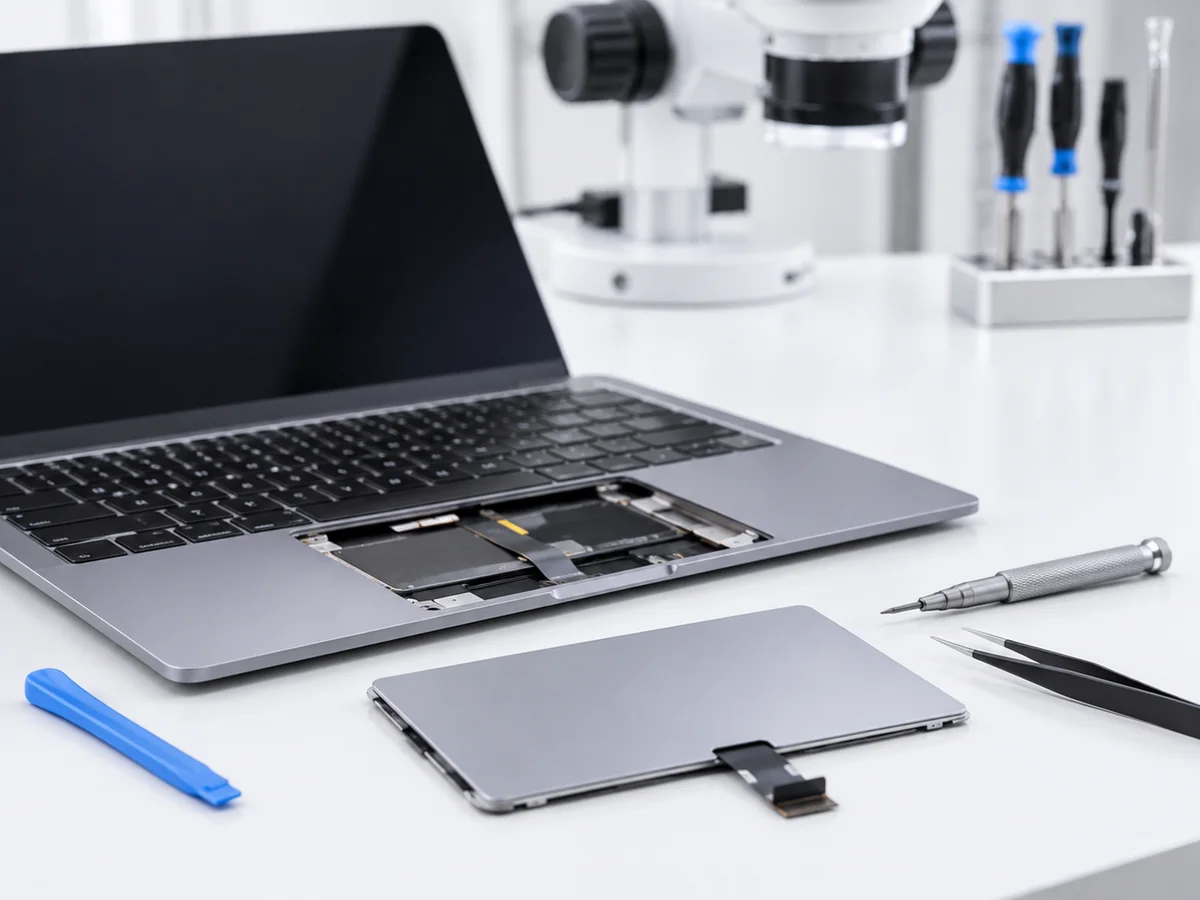
A trackpad that won’t click, jumps around or stops responding makes a MacBook frustrating to use. We diagnose whether the fault is the trackpad itself, a swollen battery pressing on it, or a board-level issue — then repair it precisely.
Common problems we fix
Typical symptoms that point to this repair.
Trackpad not clicking
The trackpad no longer registers physical clicks.
Cursor jumping or erratic
The pointer moves on its own or jumps across the screen.
Trackpad unresponsive
Touch input is delayed or fails to register entirely.
Trackpad bulging / lifted
A swollen battery pushes the trackpad upwards, preventing clicks.
Haptic click not working
Force Touch / haptic feedback no longer functions.
Physical trackpad damage
Cracked or damaged trackpad glass or surface.
How it works
Transparent, professional and secure repair process.
Book or walk in
Book online or visit our Canning Town workshop during opening hours.
Trackpad diagnostic
We determine whether the fault is the trackpad, a swollen battery pressing on it, or a board-level issue.
Repair or replacement
The trackpad is repaired or replaced; if a swollen battery is the cause, we address that too.
Test & return
We verify click response, gesture support and cursor accuracy before return.
Why choose MacStation Repair
Specialist Apple repair in Canning Town, East London.
Apple-certified technicians who keep up with the latest repair techniques.
Level 4 board-level microsoldering capability for complex logic-board faults.
A fully equipped lab with ultrasonic cleaning and precision microsoldering tools.
1-year warranty on parts and labour for every repair.
No-fix, no-fee policy on almost all diagnostic services.
Over 20 years of experience and 15,000+ devices repaired.
Pricing
Indicative prices. We confirm an exact quote after inspection.
From £95 to £250, depending on the MacBook model and the fault
Exact quote before any work begins.
Frequently asked questions
Book your repair today
Bring your MacBook to our Canning Town workshop or book online in a few clicks.